
Your website is the digital face of your business.
It is often the first place potential customers go to learn about your company, explore your services, compare you with competitors, and decide whether they should contact you.
But what happens when your website starts to feel outdated?
Maybe the design no longer represents your brand. Perhaps the website looks fine on desktop but feels frustrating on mobile. Maybe it loads slowly, is difficult to update, or simply isn't generating the leads you expected.
At that point, you may start thinking:
"Should I redesign my website, or should I rebuild it from scratch?"
These two approaches sound similar, but they are very different.
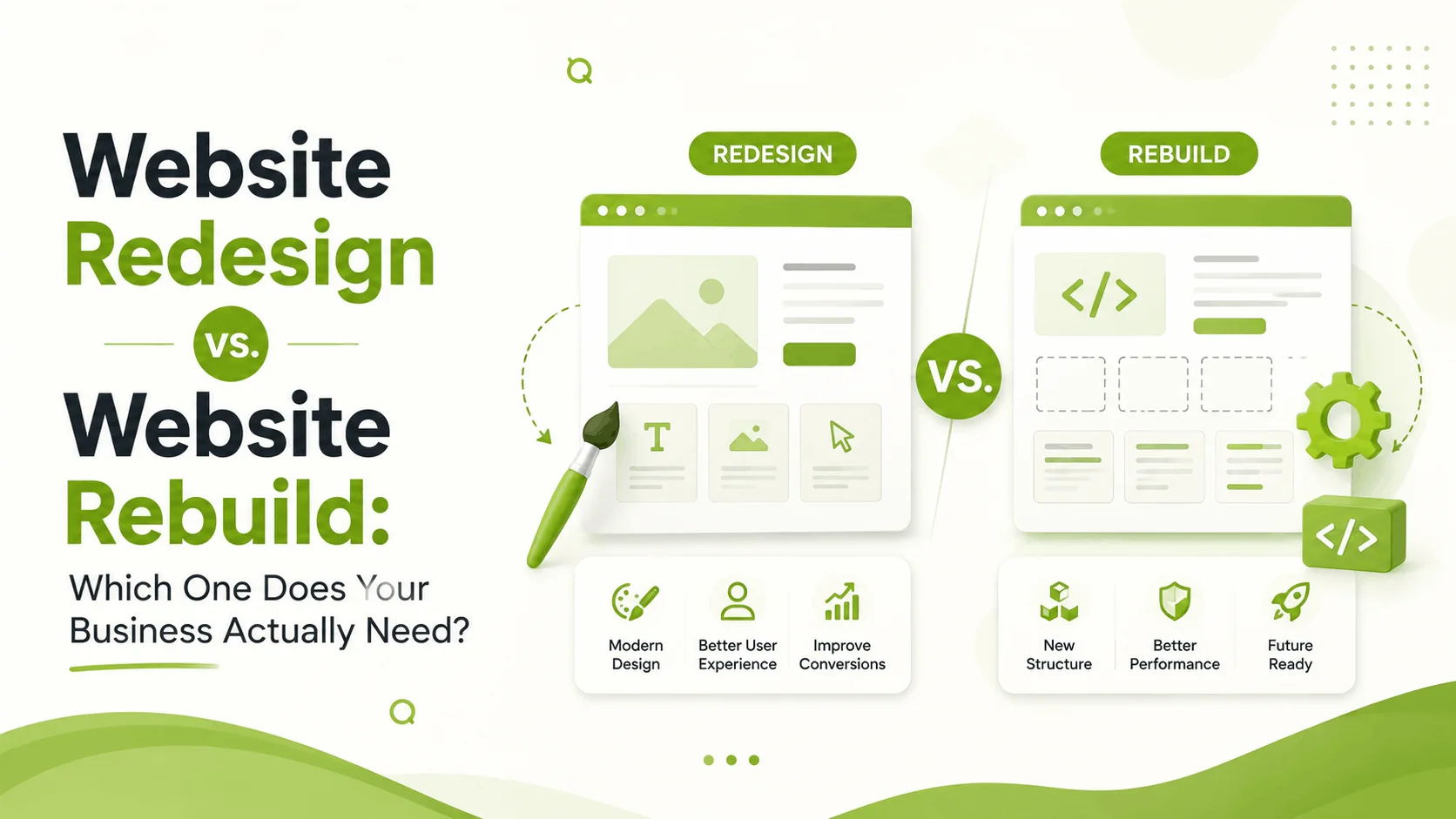
A website redesign improves an existing website while keeping much of its underlying structure.
A website rebuild takes a more fundamental approach, often replacing the existing structure, technology, codebase, or content architecture.
Choosing the wrong approach can mean spending more time and money than necessary.
So, which one does your business actually need?
Let's break it down.
What Is a Website Redesign?
A website redesign focuses primarily on improving the existing website's appearance, usability, content structure, and user experience.
The underlying website may remain largely intact while important areas are improved.
A redesign can include:
- Updating the visual design
- Improving typography and spacing
- Creating a better navigation system
- Improving the homepage
- Refining the content hierarchy
- Making pages responsive
- Improving calls-to-action
- Simplifying forms
- Improving conversion paths
- Updating branding
- Improving user experience
In simple terms:
A redesign improves the experience without necessarily rebuilding everything underneath it.
This can be a great option when the existing website has a solid foundation but no longer performs or looks the way your business needs.
What Is a Website Rebuild?
A website rebuild is much more extensive.
Instead of improving the existing foundation, a rebuild may involve replacing significant parts—or even the entire website infrastructure.
This can include:
- A new CMS
- New frontend technology
- New backend architecture
- New database structure
- New information architecture
- New templates
- New integrations
- New content management system
- New functionality
- New performance architecture
For example, a business might have an old WordPress website with outdated plugins and a difficult-to-maintain theme.
Instead of continuing to patch the existing system, the business may decide to build a completely new website with a modern architecture.
A rebuild is essentially:
"Let's create the website properly from the foundation up."
Website Redesign vs. Website Rebuild: The Key Difference
The easiest way to understand the difference is to think about a house.
Website Redesign
Imagine your house has a strong foundation, but the interior looks outdated.
You might:
- Repaint the walls
- Replace the furniture
- Improve the lighting
- Redesign the kitchen
- Rearrange the rooms
The structure remains mostly intact.
That's similar to a website redesign.
Website Rebuild
Now imagine the foundation itself has serious problems.
The electrical system is outdated, the plumbing needs replacing, the structure isn't suitable for your future needs, and the layout no longer works.
Renovating the interior won't solve the underlying problems.
You may need to rebuild.
That's similar to a website rebuild.
When Should You Choose a Website Redesign?
A redesign is usually the better option when your existing website is technically healthy but has problems with design, usability, messaging, or conversion.
Here are some signs.
1. Your Website Looks Outdated
Design trends change quickly.
A website that looked modern five years ago may now feel dated.
Common signs include:
- Old-fashioned typography
- Poor spacing
- Cluttered layouts
- Outdated color schemes
- Generic stock imagery
- Inconsistent components
- Poor visual hierarchy
If the underlying website works well, a redesign may be enough.
You don't necessarily need to rebuild everything just because the website looks old.
2. Your Website Isn't Converting Well
Perhaps your website receives traffic but generates very few:
- Leads
- Calls
- Inquiries
- Bookings
- Purchases
This doesn't automatically mean the technology is broken.
The problem could be UX.
Visitors may not understand:
- What you offer
- Who your service is for
- Why they should choose you
- What they should do next
In this situation, improving the user journey, content hierarchy, CTA placement, and page structure may deliver more value than rebuilding the entire website.
3. Your Branding Has Changed
Businesses evolve.
Your current website may have been designed when your company had a completely different identity.
Perhaps you've:
- Changed your logo
- Updated your brand colors
- Expanded your services
- Started targeting a new market
- Moved toward a more premium positioning
A redesign can bring the website in line with the business you are today.
4. Your Website Works Technically but Feels Difficult to Use
Sometimes everything technically works—but the experience is frustrating.
For example:
- Navigation is confusing
- Content is difficult to scan
- Important information is buried
- Forms are unnecessarily complicated
- Buttons aren't obvious
- Mobile layouts feel awkward
These are primarily UX problems.
A strategic redesign can address them without replacing the entire technology stack.
When Should You Choose a Website Rebuild?
A rebuild makes more sense when the foundation itself is holding your business back.
Here are some common situations.
1. Your Technology Is Outdated
If your website relies on outdated software, unsupported plugins, old frameworks, or a difficult-to-maintain codebase, continuously redesigning the interface may not solve the real problem.
You could end up putting a beautiful new design on top of an unstable foundation.
That's not a long-term solution.
2. Your Website Is Extremely Difficult to Maintain
Ask yourself:
"How easy is it for our team to make changes?"
If adding a new page requires a developer every time, or changing a simple section causes unexpected problems, your website's architecture may need attention.
A rebuild can create a cleaner and more flexible content management system.
3. Your Business Needs New Functionality
Sometimes the existing website simply wasn't designed for what your business has become.
You may now need:
- Customer dashboards
- Online booking
- eCommerce
- Membership functionality
- Advanced search
- CRM integration
- Payment gateways
- Custom calculators
- Learning management features
- User accounts
- Complex APIs
If the existing architecture cannot support these requirements efficiently, rebuilding may be the better choice.
4. Performance Problems Are Structural
A slow website isn't always fixed by compressing a few images.
If performance problems come from:
- Poor architecture
- Excessive plugins
- Inefficient code
- Old frameworks
- Database issues
- Poor hosting compatibility
- Heavy third-party dependencies
then a deeper rebuild may be necessary.
5. Your Website Needs to Scale
Your current website may work perfectly for 20 pages and 100 visitors per day.
But what happens when your business grows?
Perhaps you plan to add:
- Hundreds of products
- Multiple locations
- New services
- Thousands of users
- Customer accounts
- Complex integrations
A rebuild can create an architecture designed around where your business is going—not just where it is today.
The Cost Difference
One of the biggest considerations is budget.
Generally, a redesign costs less than a complete rebuild, because you may be able to reuse parts of the existing infrastructure.
However, there is no universal price.
The actual cost depends on factors such as:
- Number of pages
- Design complexity
- CMS
- Custom functionality
- Integrations
- Content migration
- SEO requirements
- eCommerce functionality
- Backend requirements
- Development time
A simple redesign may be relatively straightforward.
A rebuild involving custom functionality, integrations, migration, and extensive testing can become a significantly larger project.
The cheapest option isn't always the most cost-effective.
How Long Does a Redesign Take?
A website redesign can range from a few weeks to several months depending on the size and complexity of the website.
A smaller business website may involve:
Research → UX → UI → Development → Testing → Launch
A larger redesign may require additional stages such as:
- Content strategy
- SEO migration
- Analytics setup
- Conversion optimization
- User testing
- Stakeholder reviews
The more complex the website, the more important planning becomes.
How Long Does a Website Rebuild Take?
A rebuild generally requires more time because more systems are being changed.
The process may include:
- Business and technical discovery
- Information architecture
- UX research
- Wireframing
- UI design
- Frontend development
- Backend development
- CMS configuration
- Integrations
- Content migration
- SEO migration
- Quality assurance
- Performance optimization
- Launch
This is why rebuilding should never be treated as simply "making a new design."
It is a complete digital project.
Don't Forget SEO During a Redesign or Rebuild
This is one of the most overlooked parts of a website project.
Your existing website may already have:
- Google rankings
- Backlinks
- Indexed pages
- Organic traffic
- Valuable content
- Search authority
Changing the website without considering SEO can cause rankings and traffic to decline.
This is especially important during a rebuild.
Before launching a new website, you should consider:
- URL structure
- 301 redirects
- Metadata
- Existing rankings
- Sitemap
- Internal linking
- Structured data
- Canonical URLs
- Content migration
A beautiful new website isn't successful if your organic traffic disappears after launch.
What About Your Existing Content?
Content is another important consideration.
You don't necessarily need to throw away everything.
During a redesign or rebuild, evaluate existing content based on performance.
Ask:
- Which pages receive traffic?
- Which pages generate leads?
- Which content ranks well?
- Which pages are outdated?
- Which pages are duplicated?
- Which content is no longer relevant?
Keep what works.
Improve what has potential.
Remove what no longer serves your audience.
This is much better than blindly copying every page into the new website.
A Simple Decision Framework
Still not sure which approach is right?
Use these questions.
Choose a redesign if:
- Your website technology is still reliable
- Your main problems are visual
- UX needs improvement
- Your branding has changed
- Your navigation is confusing
- Your conversion rate is low
- Your mobile experience needs improvement
- Your content structure needs work
Consider a rebuild if:
- Your technology is outdated
- The codebase is difficult to maintain
- The CMS is limiting your business
- You need major new functionality
- Performance problems are structural
- Your information architecture is fundamentally broken
- Your business has outgrown the current system
- You need a completely different technical foundation
Can You Redesign and Rebuild at the Same Time?
Absolutely.
In many projects, the best solution is actually a combination of both.
You can redesign the user experience while rebuilding the technical foundation.
For example:
Old Website → UX Research → New Design System → New Architecture → Development → Migration → Testing → Launch
This approach allows you to improve both sides of the experience:
What users see + what powers the website underneath.
For larger businesses, this can be a more sustainable approach.
The Biggest Mistake Businesses Make
The biggest mistake is deciding based on appearance alone.
A business owner sees an outdated homepage and thinks:
"We need a new design."
A developer sees an old codebase and thinks:
"We need to rebuild everything."
Neither decision should be made without understanding the actual problem.
Before choosing between redesign and rebuild, evaluate:
- Business goals
- User experience
- Technical health
- Performance
- SEO
- Content
- Future requirements
Only then can you make an informed decision.
Don't Rebuild a Website That Only Needs a Redesign
This is worth repeating.
A rebuild can be expensive and time-consuming.
If your existing technology is stable and your primary problems are related to UX, design, messaging, or conversion, rebuilding everything may be unnecessary.
A strategic redesign could solve the problem faster and with less risk.
Don't Redesign a Website That Needs a Rebuild
The opposite is equally dangerous.
If the technology is fundamentally limiting your business, putting a beautiful new interface on top of the same problems won't solve them.
You may end up paying for another redesign a year or two later.
Sometimes starting from the foundation is the smarter investment.
What Should You Do First?
Before hiring someone to redesign or rebuild your website, start with an audit.
A proper website audit should look at:
UX
- User journeys
- Navigation
- Information architecture
- Conversion paths
UI
- Visual hierarchy
- Typography
- Layout
- Design consistency
Technical
- CMS
- Codebase
- Plugins
- Integrations
- Security
- Performance
SEO
- Rankings
- URLs
- Content
- Technical SEO
- Internal linking
Business
- Conversion goals
- Target audience
- Business objectives
- Future requirements
Once these areas are understood, the decision becomes much easier.
Final Verdict: Redesign or Rebuild?
There is no universal answer.
The right choice depends on why your website isn't working and what your business needs next.
If your website has a solid technical foundation but looks outdated, feels confusing, or isn't converting visitors effectively, a redesign may be the smarter choice.
If your technology is outdated, difficult to maintain, unable to support your business requirements, or fundamentally limiting future growth, a rebuild may be the better investment.
And sometimes, the best solution is both.
The important thing is not to start with:
"What should the new website look like?"
Start with:
"What is preventing the current website from supporting our business?"
Once you understand the problem, you can choose the right solution.
Because a successful website isn't simply one that looks modern.
It should be easy to use, easy to manage, technically reliable, search-friendly, and built around the goals of your business.
Need Help Deciding?
If you're unsure whether your website needs a redesign or a complete rebuild, start with an honest assessment of your current website.
Look beyond the visuals.
Look at the UX, performance, technology, SEO, content, conversion journey, and future business requirements.
The right decision today can save you significant time, money, and frustration tomorrow.
Sometimes your website doesn't need to be rebuilt. It just needs to be redesigned with purpose.
And sometimes, rebuilding is exactly what your business needs to move forward.