
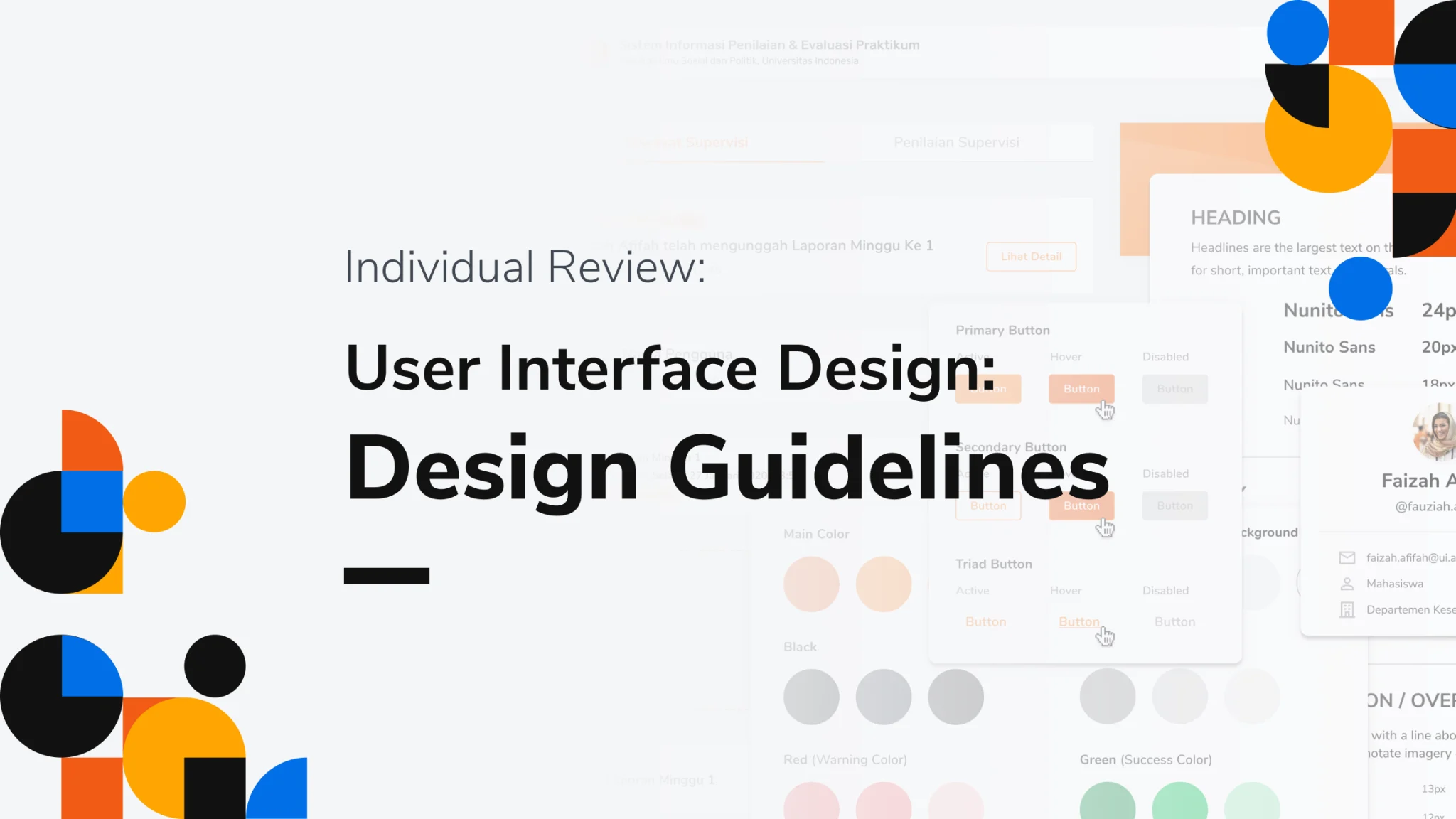
Creating a great user interface (UI) and user experience (UX) for a website is crucial for ensuring that visitors have a positive and enjoyable interaction with your site. Here's a guide for designing an effective UI/UX for a website:
1. Define Your Goals and Audience:
- Identify the primary goals of your website (e.g., sales, information sharing, engagement).
- Understand your target audience, their needs, and preferences.
2. User Research:
- Conduct user research to gather insights into your target audience's behavior and expectations.
- Use surveys, interviews, and analytics to understand user preferences and pain points.
3. Information Architecture:
- Organize your content in a clear and logical hierarchy.
- Create a sitemap to outline the structure of your website.
4. Wireframing and Prototyping:
- Create wireframes to sketch the basic layout and structure of your pages.
- Build interactive prototypes to test and refine user flows and interactions.
5. Visual Design:
- Design a cohesive visual identity, including a color palette, typography, and visual elements (logo, icons, images).
- Ensure that the design aligns with your brand and is visually appealing.
6. Responsive Design:
- Design for various screen sizes and devices (desktop, tablet, mobile) to provide a consistent experience for all users.
7. Navigation and Layout:
- Design clear and intuitive navigation menus.
- Use a grid system to create a balanced and organized layout.
8. Typography:
- Choose readable fonts and font sizes.
- Ensure proper line spacing and contrast for readability.
9. Imagery:
- Use high-quality images and graphics that enhance the content.
- Optimize images for fast loading.
10. Consistency:
Maintain a consistent design throughout the website. - Use consistent button styles, icons, and color schemes.
11. User-Friendly Forms: -
Simplify forms and minimize the number of required fields. - Provide clear labels and feedback for form inputs.
12. Performance Optimization: -
Optimize your website's performance for fast loading times. - Minimize HTTP requests, use efficient coding practices, and leverage browser caching.
13. Accessibility: -
Ensure that your website is accessible to users with disabilities. Follow WCAG guidelines for accessibility. - Provide alternative text for images and captions for multimedia content.
14. User Testing: - Conduct usability testing with real users to identify and address any usability issues. - Gather feedback and make necessary improvements.
15. SEO Considerations: - Optimize your website for search engines by using proper meta tags, relevant keywords, and high-quality content.
16. Mobile Optimization: - Prioritize mobile users by ensuring that your website is mobile-responsive and performs well on small screens.
17. Call to Action (CTA): - Use clear and compelling CTAs to guide users towards desired actions (e.g., "Sign Up," "Buy Now," "Contact Us").
18. Feedback and Iteration: - Continuously gather user feedback and data to make iterative improvements to your website's UI/UX.
19. Launch and Maintenance: - Launch your website and regularly update and maintain it to keep content fresh and relevant.
20. Analytics: - Implement web analytics tools (e.g., Google Analytics) to track user behavior and gather insights for ongoing optimization.
Remember that a successful website not only looks good but also provides a seamless and intuitive user experience. Regularly analyze your website's performance and user feedback to make improvements and stay competitive in the ever-evolving digital landscape.
Hire us: PixoNext